
A Findspreadsheet catalog
Ootdbuy Spreadsheet.
Find your next piece, check product and warehouse photos, then open the listing on Ootdbuy.
Shop by category
8,087 Weidian listings from Findspreadsheet’s saved catalog.
 Sneakers
Example price $76.37
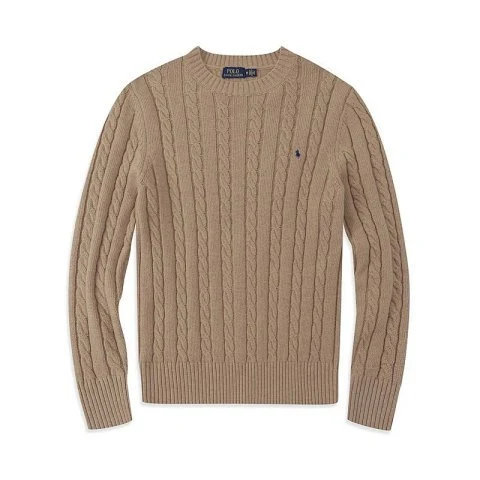 Hoodies & knitwear
Example price $33.17
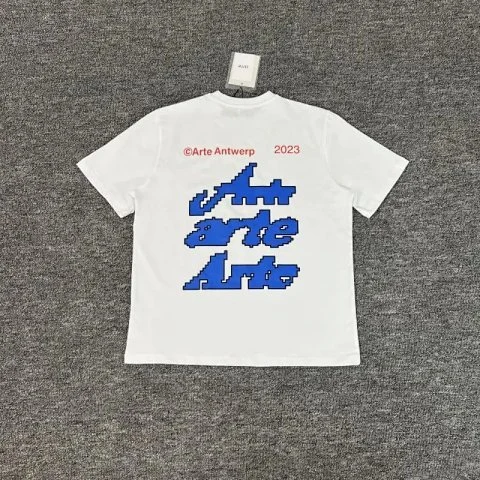 T-shirts
Example price $32.65
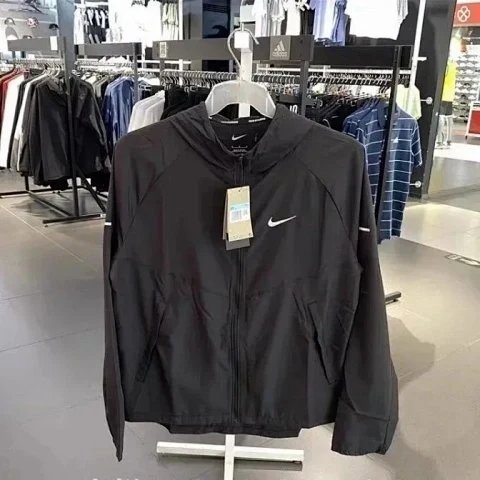 Jackets
Example price $56.01
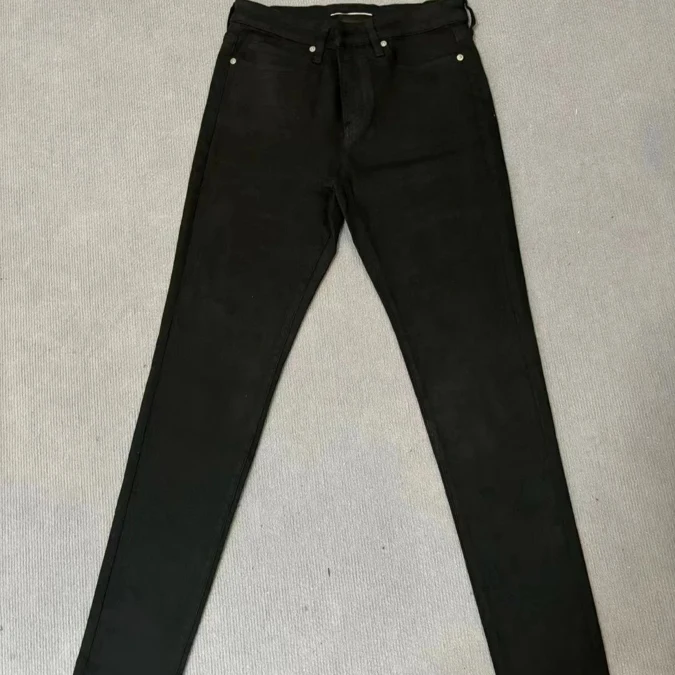 Pants & shorts
Example price $103.03
 Accessories
Example price $17.34
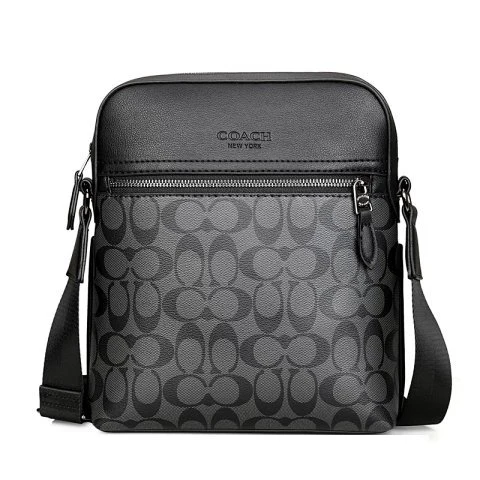 Bags
Example price $33.84
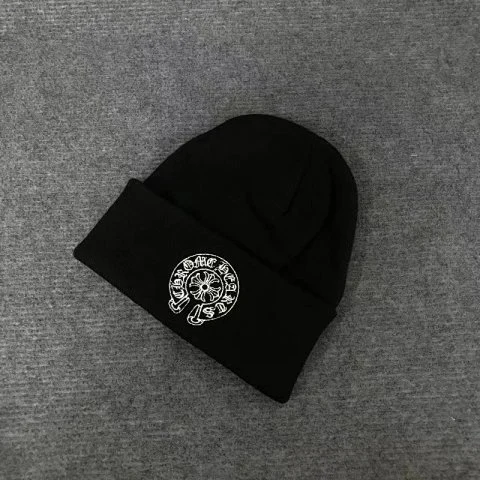 Headwear
Example price $19.65
 Jerseys
Example price $34.14
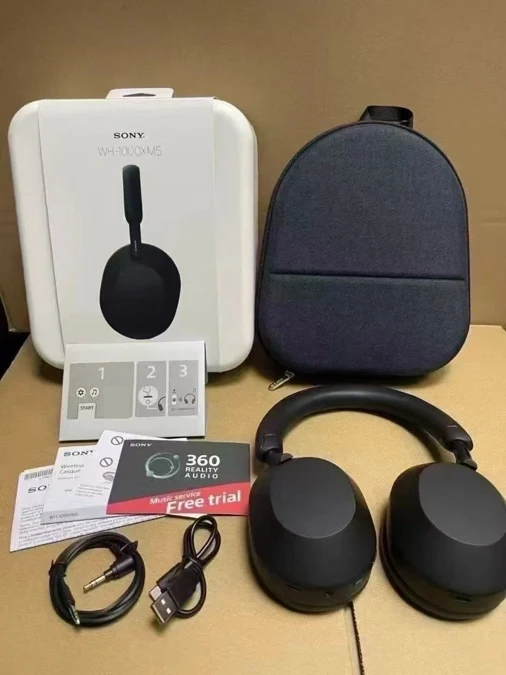 Electronics
Example price $148.25
 Sets
Example price $25.16
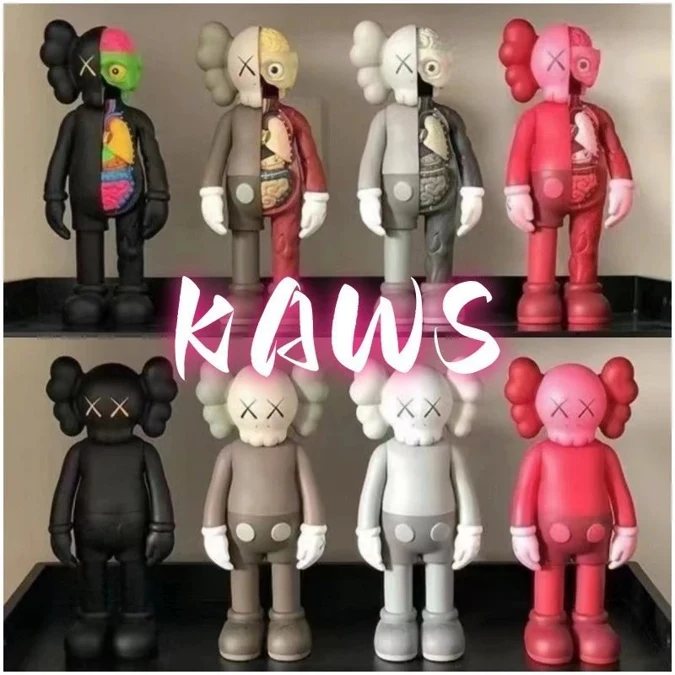 Other finds
Example price $22.91
Before you order
See the actual warehouse photos.
Paste a Weidian or Ootdbuy item link to check Findspreadsheet for warehouse photos.
Open a QC example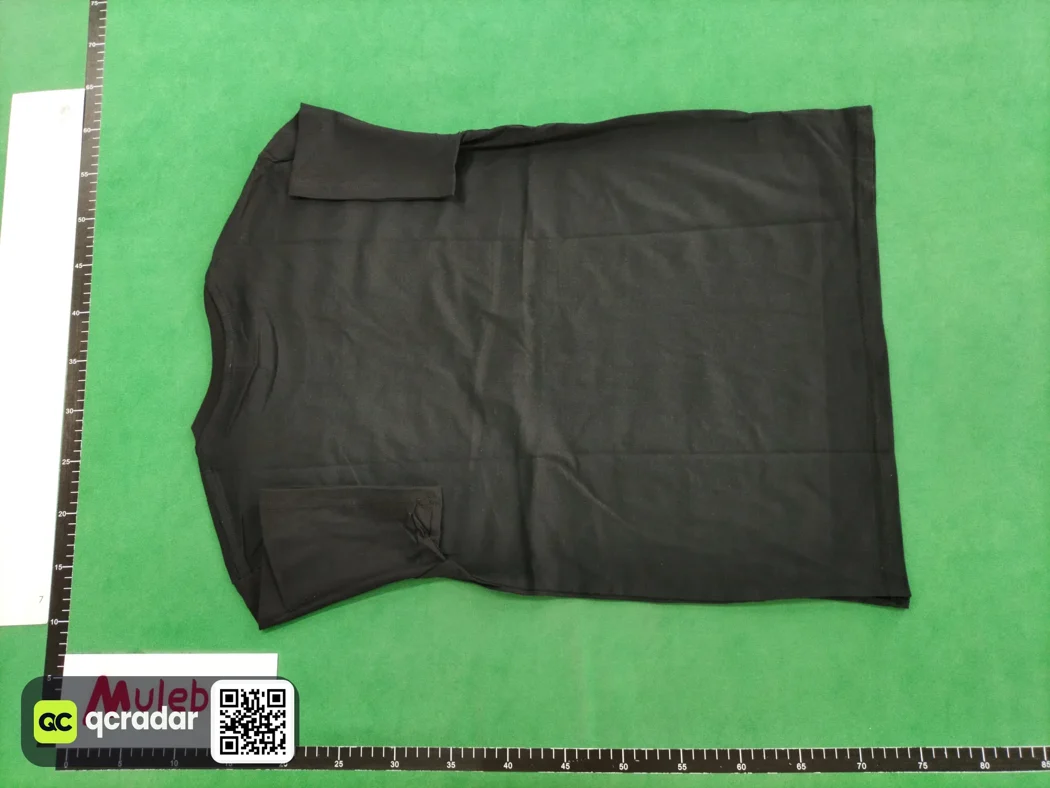
Product walkthrough
From the spreadsheet to Ootdbuy.
Open a real listing and check the product gallery, source and current seller price before ordering.
View sample listing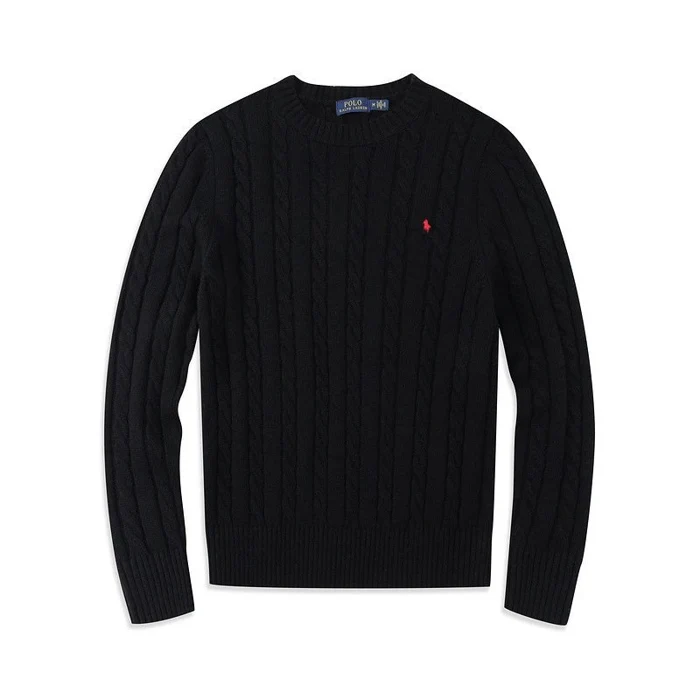
How to order with Ootdbuy
Follow the real screens from your first item search to parcel tracking.
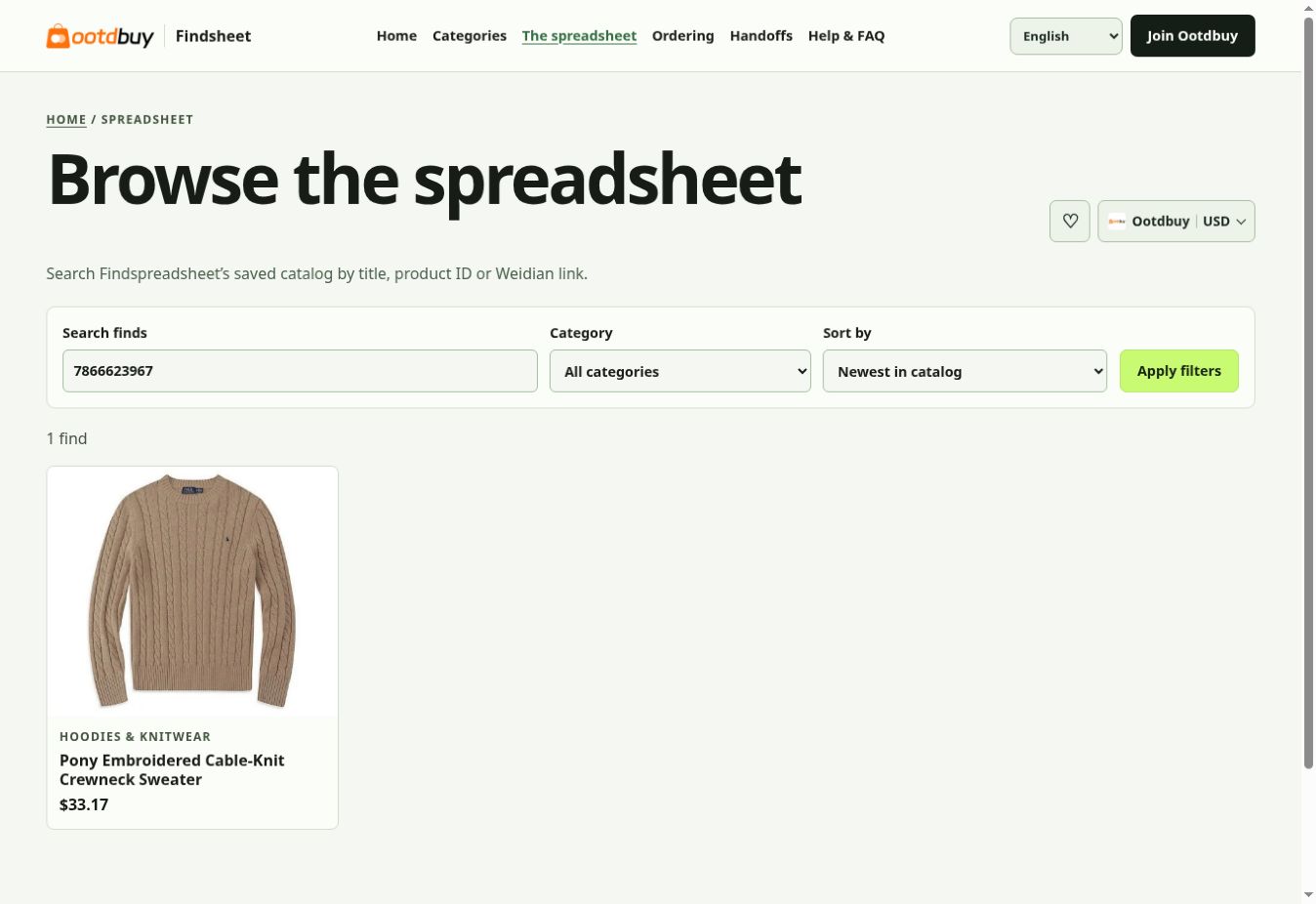
Find and open a product in the spreadsheet
Start with a product name, a Weidian item ID or the item link. Check the product ID on the result before opening its detail page, especially when similar listings have different sellers or variants.
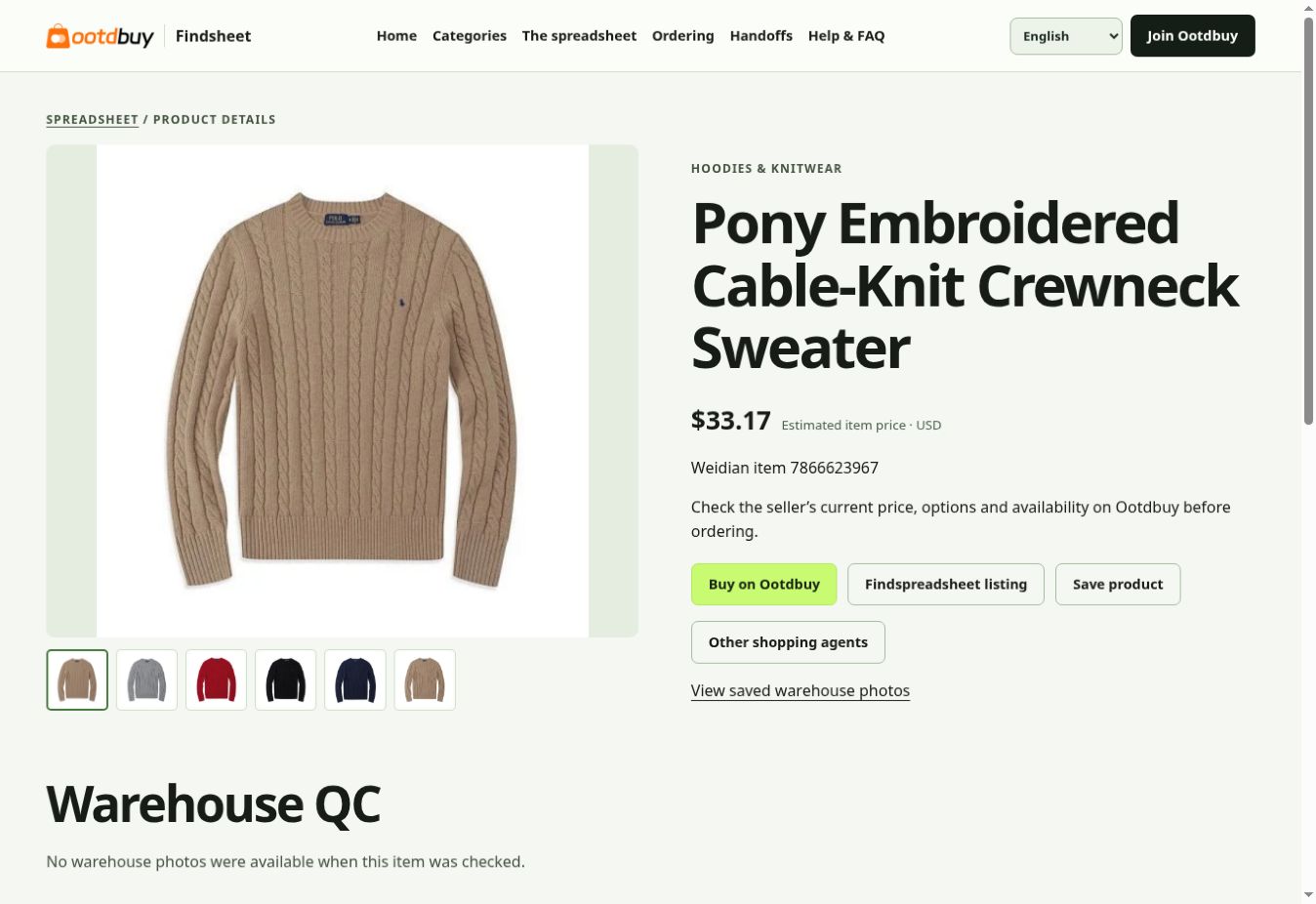
Review the Findsheet detail and choose an agent
Review the seller gallery, reference price and any saved QC on the product page. Buy on Ootdbuy opens the same Weidian ID on Ootdbuy. Use Other shopping agents if you intend to place the order elsewhere.
Confirm the variant on Ootdbuy
On the agent’s product page, confirm that the listing matches, then choose color, size and quantity. Use the seller’s size chart rather than your usual size. Add to cart to group items or use Buy Now for a single order.
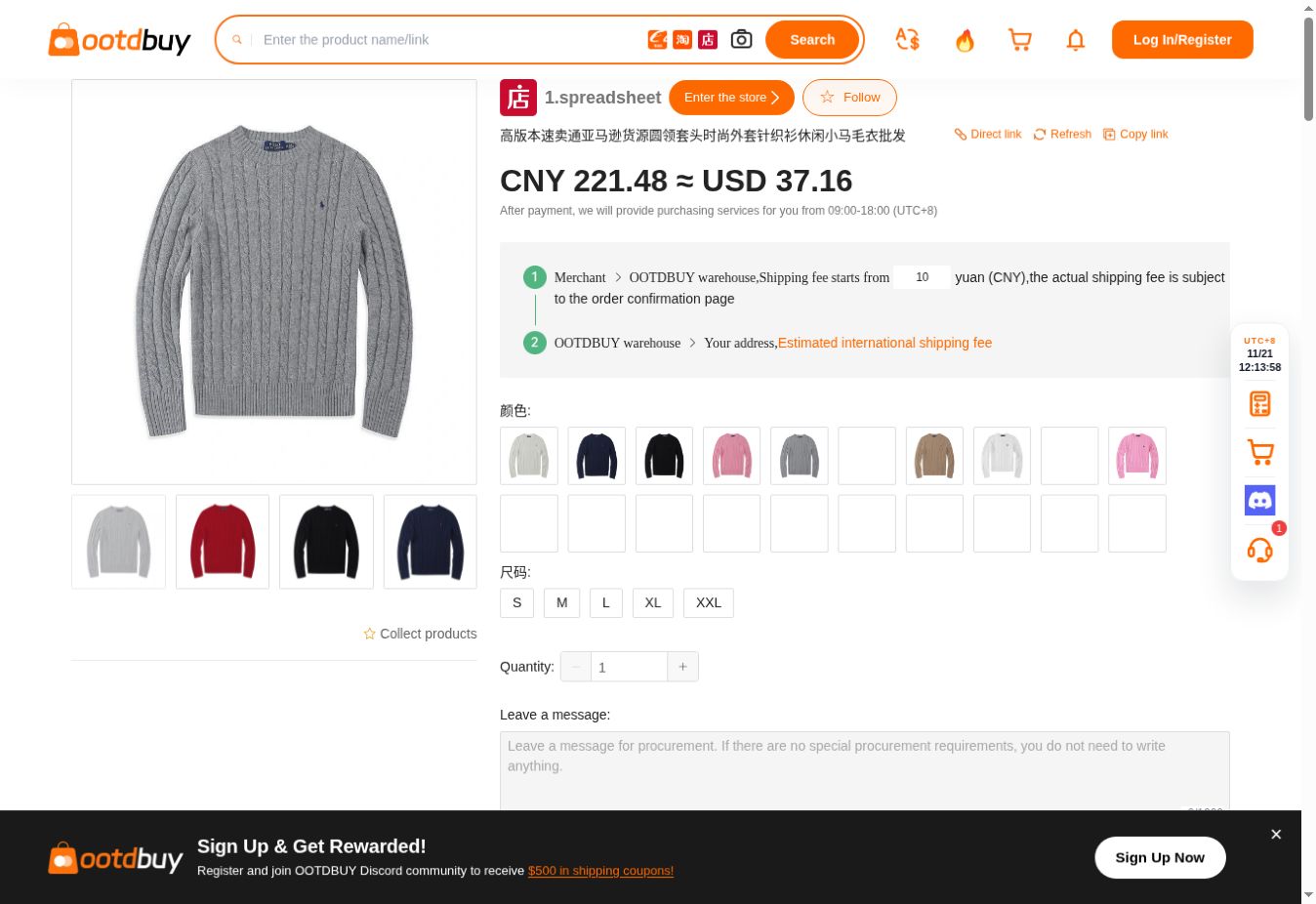
Review the item payment
Review the order lines, domestic delivery and any selected services. Add purchase notes before submitting. The international parcel quote comes later, once you choose the destination, package and route.
Check official service and fees
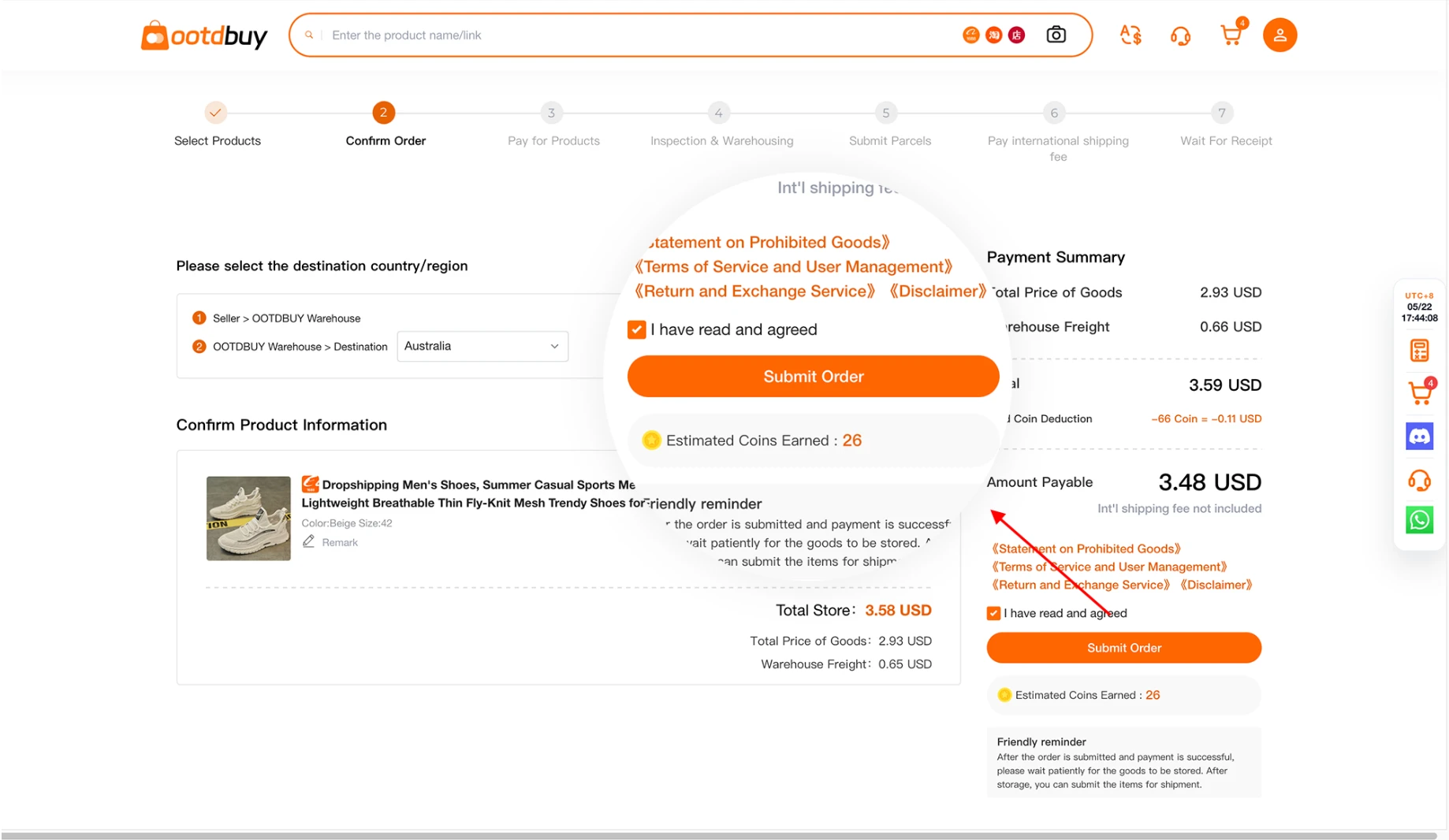
Review warehouse photos before shipping
When the order reaches your warehouse, open your own inspection record. Compare the received variant and quantity with your order. If there is a mismatch, contact the agent before including the item in an international parcel.
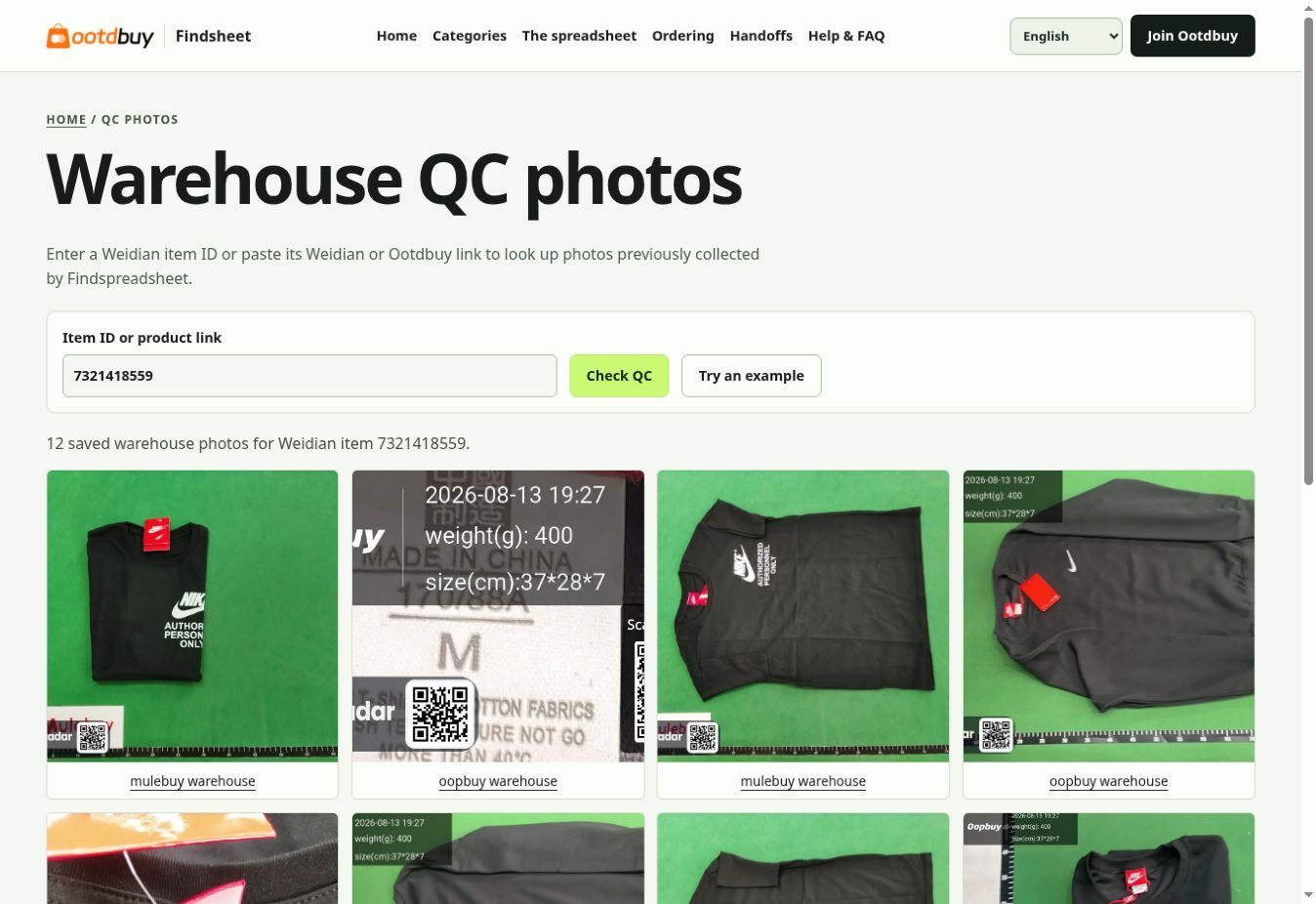
Submit a parcel or request rehearsal packing
Select the stored items for shipment, enter the overseas address, and compare available lines. Rehearsal packing gives you a packed quote before choosing how to proceed. Creating a waybill can instead start with prepaid freight that is adjusted after packing.
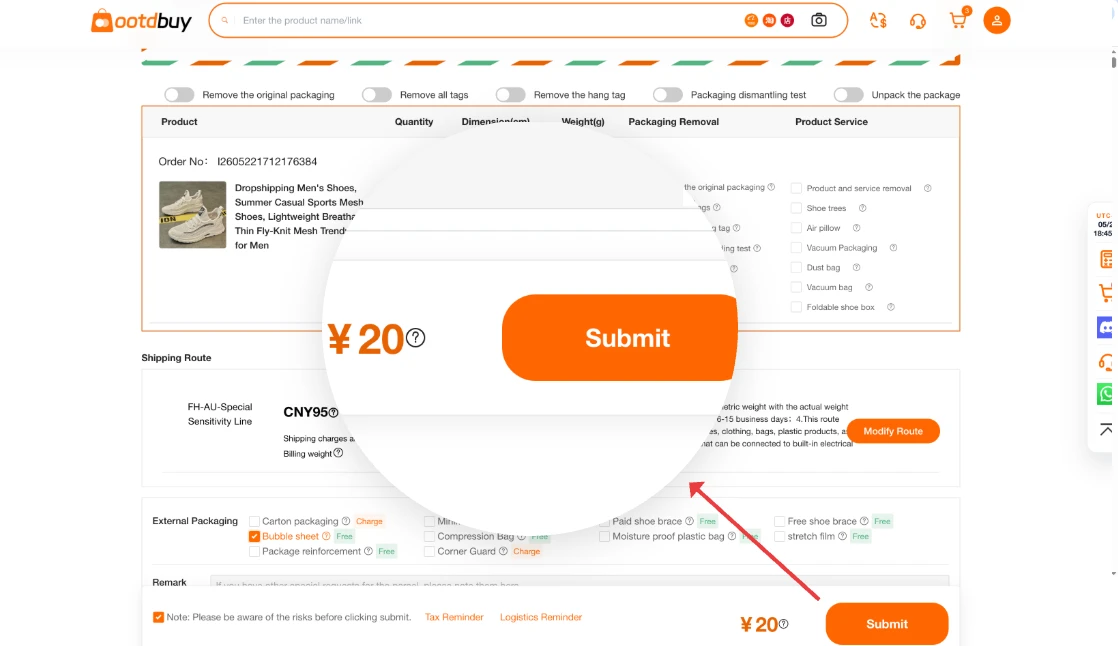
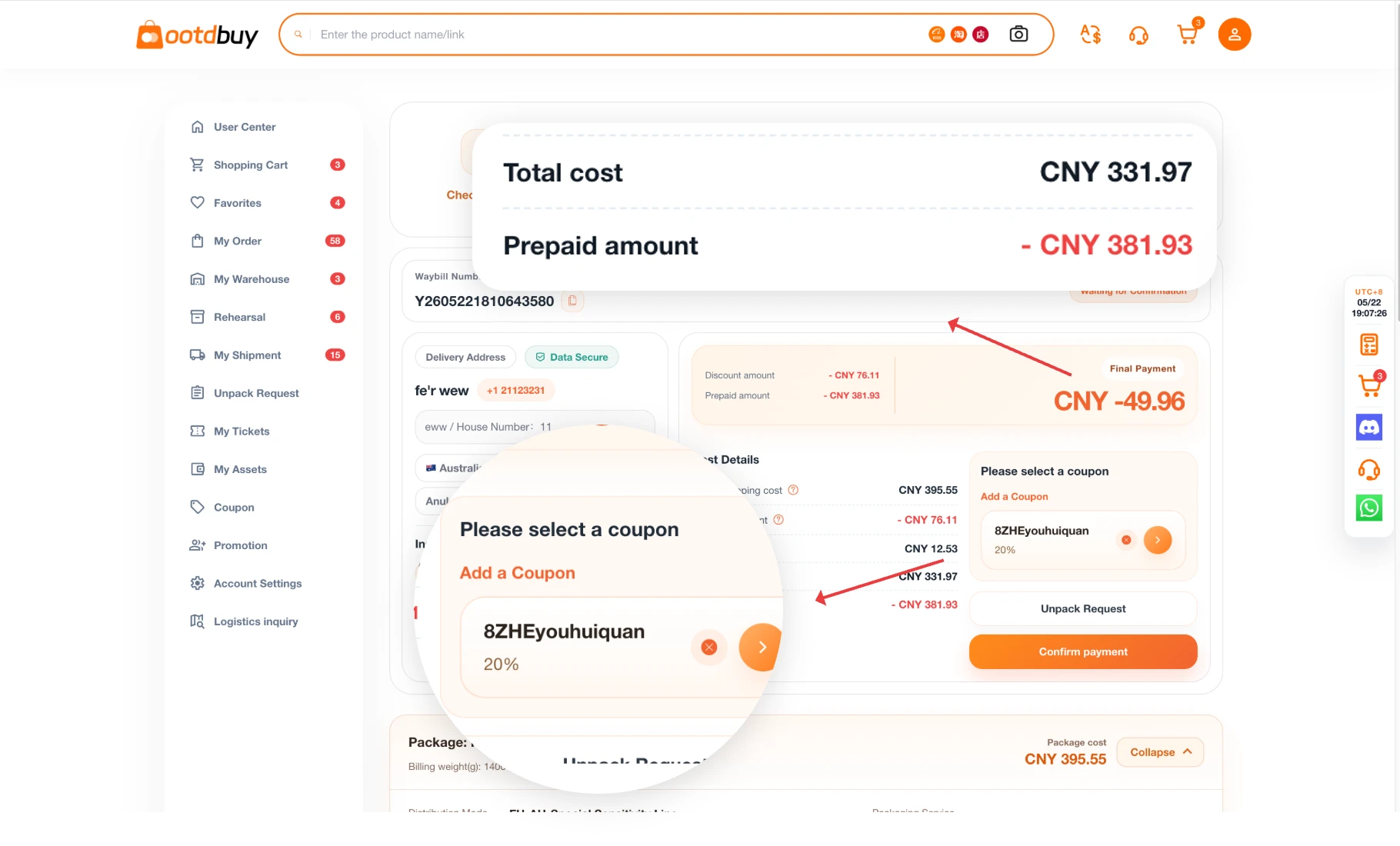
Confirm freight and the final parcel details
Check the packed weight, dimensions, address, carrier restrictions and any extras. If there is a prepaid balance, compare it with the final amount. A shortfall can require another payment, and an excess is handled according to the checkout rules.
Check official delivery charges
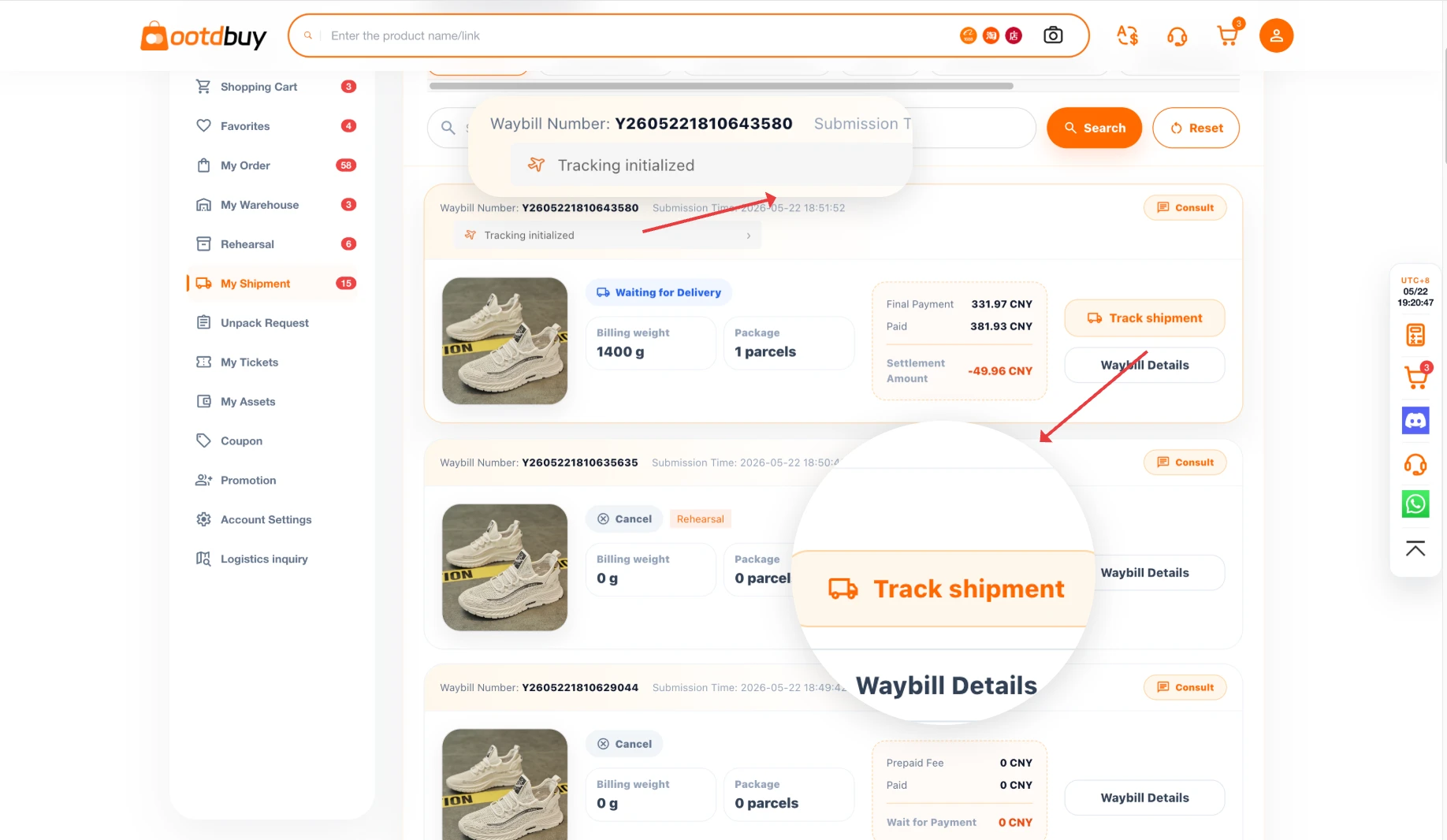
Track delivery and keep the records
After dispatch, open your parcel in the account and review its tracking details. Save the parcel number, shipping line and any support case. If there is damage or a missing item, keep the packaging and document what arrived.
Read the official tracking instructions
From seller to delivery
See who has your item and what you can check at each handoff.
Your order goes to the purchasing agent
Your variant, quantity and notes become the purchase request. Watch the order for a stock or option change and answer any inquiry before it is purchased. Keep the original listing, the selected option and the order number together.
Official ordering guideThe seller sends the goods to the warehouse
Domestic tracking and warehouse storage are separate milestones. If the tracking says delivered and the order is still missing, compare the domestic waybill and the order number before asking Ootdbuy to locate it.
Official receiving and inspection rulesThe warehouse receives, photographs and stores the goods
Check quantity, visible condition, labels and the selected size or color in the order’s warehouse photos. Standard inspection has limits for fit, performance and sealed or specialist products. The policy gives a normal storage period of 90 days from received status. Check the deadline on each order because exceptional parcels follow different rules.
Official storage rulesYou release the checked items for packing
Select only items you are ready to ship. Before removing boxes or consolidating, consider protection, return eligibility and route restrictions. Confirm the packed measurements and final quote before authorizing dispatch.
Official packaging optionsThe parcel passes to the carrier
After dispatch, follow the parcel number in Ootdbuy. International and local carrier updates may appear separately. If tracking is stale or the parcel misses delivery, use the selected line’s instructions and provide the parcel number when asking for help.
Official tracking instructionsYou check delivery and report any issue
Inspect the parcel upon receipt. Photograph its outer condition, shipping label and any affected contents. Keep the packaging and contact the agent promptly with the order number, parcel number and supporting evidence.
Official delivery guidance
Help & FAQ
Where should I start if I only have an item link?
Paste a Weidian or Ootdbuy Weidian product link into the spreadsheet search. You can also search the numeric Weidian item ID. Confirm the ID and compare the photos before moving to the agent.
Open the spreadsheetWhy is the price on Ootdbuy different from Findsheet?
Findsheet shows a converted reference price from the saved seller listing. The agent may show a current variant price, domestic delivery and an exchange rate or fees. Review the actual order total before paying.
Official service and feesWhat do I pay when I place the item order?
Review the product amount, domestic delivery to the warehouse and any selected services on the order screen. International parcel charges are worked out separately after packing and route selection.
Official fee breakdownHow can I confirm a size or color before paying?
Compare the seller’s chart against a similar garment you already own. Keep a screenshot of the variant you selected, and use the order notes or inquiry to ask about a measurement or option if available.
Official ordering guideWhat if the seller runs out of my selected option?
Check the status and any message from the purchasing agent. Use the order inquiry to clarify whether you want a replacement option or would prefer cancellation. Avoid accepting an alternate size or color without reviewing it.
Official after-sales instructionsWhat is the difference between saved QC and my order photos?
Saved QC is a reference from a prior inspection associated with the item ID. Your agent’s warehouse record shows the item received for your specific order. Use your own photos when deciding whether to ship or request help.
Open saved QC lookupWhat does a normal warehouse inspection cover?
The published inspection policy describes checking visible details such as quantity, color and size. It lists limitations for color differences, fit, function and specialist or sealed products. Ask about extra checks before submitting a parcel.
Official inspection policyWhat should I do if the warehouse photos show a mismatch?
Pause the parcel submission. In the order record, provide the item number, your chosen option and a clear photo of the mismatch. Ask about additional inspection or after-sales options while the item is still in the warehouse.
Official after-sales instructionsHow long can I leave items in the warehouse?
Ootdbuy’s storage page describes a normal 90-day period from received status and separate rules for abnormal or unmatched parcels. Check the status and expiry shown in your account, especially if you are waiting to consolidate orders.
Official storage rulesCan I ship products from different orders together?
Select eligible stored items together when creating your parcel. The available lines may change when you add a restricted item. Compare the cost, package size and handling requirements before submitting.
Official parcel submission guideWhen is rehearsal packing useful?
Use rehearsal when you need packed dimensions and weight before choosing how to ship. Confirm the rehearsal charge and current rules in the agent’s interface. Keep in mind that changing the parcel contents can change the final quote.
Official rehearsal instructionsWhy did the freight quote change after packing?
A packed parcel may differ from the initial weight or size estimate. Check the carrier’s billing basis and the final measurement in the account. The agent’s tutorial describes settling a difference against prepaid freight.
Official delivery chargesCan I ship batteries, liquids or oversized items?
Available routes depend on the destination, commodity and parcel measurements. Confirm the route’s restrictions for the actual items in the parcel before paying. Splitting a shipment may be necessary if products qualify for different lines.
Official delivery guidanceCan I remove the original box or request extra protection?
Check the packaging choices for your order before confirming the parcel. Removing a box can change volume and protection, and may affect return eligibility. Check current costs and whether the seller requires the original packaging.
Official packaging informationCan I cancel or return an item?
Options depend on the order status, seller eligibility and the condition of the item. Open the order’s after-sales action as soon as possible. Confirm the deadline, return shipping cost and refund method before approving a return.
Official returns and refunds policyWhere can I track a parcel or report damage?
Open the parcel list in your Ootdbuy account and choose the tracking details. For damage or missing contents, keep the packaging, photograph the parcel and contact the agent with the parcel and order numbers.
Official parcel tracking guide